

Brand Hub
One link to your catalog. Branded, and no login for buyers.
Buyers see only products marked Approved. They can search, save a wishlist and request a quote.
Protect a link with a password or an expiration date.
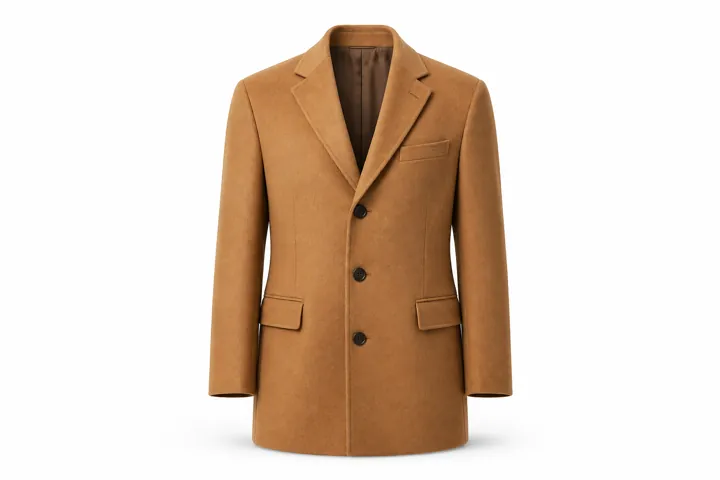
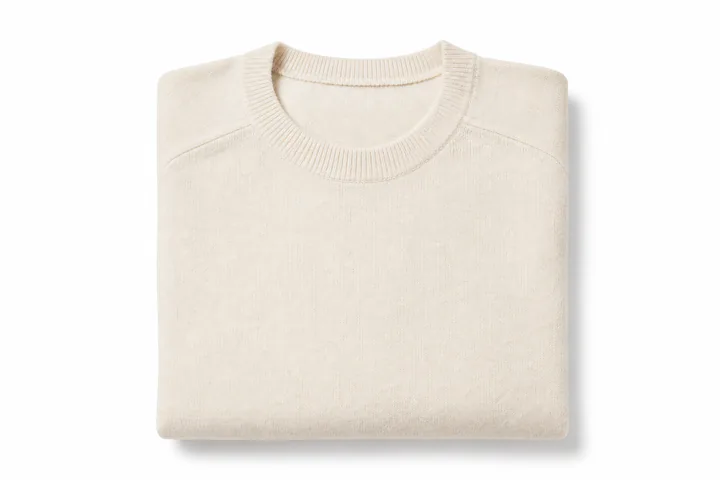
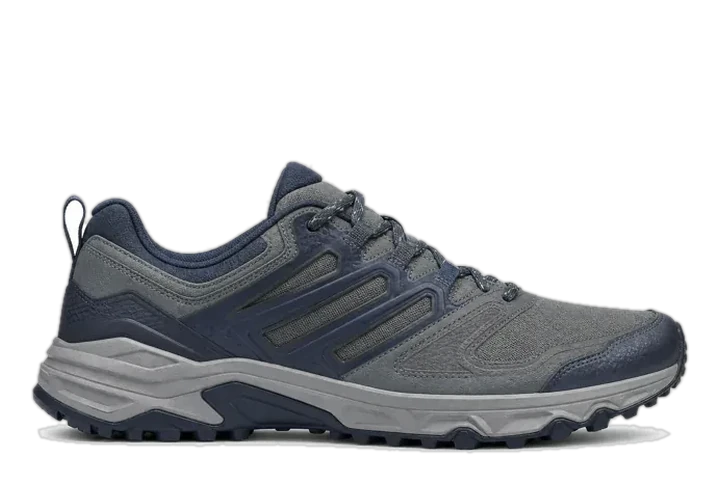
How it works
Share the right products. Price them when buyers ask.
A portal for your trade range. A catalog for each season.
01Scope
Choose what each portal shows.
Filter by channel, language, a category and tags, then hand-pick products if you like. Everyone with the link sees the same range.
02Quote
Buyers ask, your team prices.
Buyers pick products, set quantities and send one request. Your team replies with a price per line, a note and a valid-until date.
03Catalog
A season as a link or PDF.
Build sections by category, tag, price or discount, set the dates it’s valid, then share a link or download a PDF.
Control
Keep sharing under control.
Show prices or ask for a quote
Choose per portal or catalog. It changes what the page displays.
Passwords, expiration dates, revoked links
Add a password or expiration date, turn a portal off, replace its link or revoke a catalog link.
Catalog views and quote requests
Views, unique visitors, quote requests and the most-viewed sections and products for each digital catalog. Visitors stay anonymous.
Wishlists buyers can share
In a portal, buyers save a wishlist and share it with colleagues by link.
Store Front for your team
Your team browses the Approved catalog inside CataZenta, and editors can preview a product while they edit.
Team permissions
Choose who can create, share and view portals, catalogs, quote requests and analytics.
Good to know
Before you share.
Still curious? Email the founders
Can portals use our own domain?
Links use CataZenta’s app address, not your own domain. Branding is your logo, one brand color and a headline with welcome text. Catalogs can add a cover image, and a catalog’s PDF cover shows your brand color, headline and tagline rather than your logo.
Do buyers need to install an app?
Buyers open the link in a web browser, without a CataZenta account. Page text is in English, and product content follows the portal or catalog language.
Can buyers check out?
Not in Brand Hub: buyers request quotes instead of ordering or paying. In a portal, they send a request, your team replies with prices, and CataZenta emails the buyer when the quote is ready.
Does hiding prices keep them private?
Hiding prices only changes what the page shows: price data still reaches the buyer’s browser. A portal’s price list pre-fills your team’s quote replies. It doesn’t change the prices buyers see.
Is Brand Hub included with PIM Hub?
Brand Hub is an add-on to PIM Hub. Its buyer portals and digital catalogs use the products marked Approved in your catalog.
Works with
See Brand Hub the way buyers will.
Tailored to your products and buyers.